
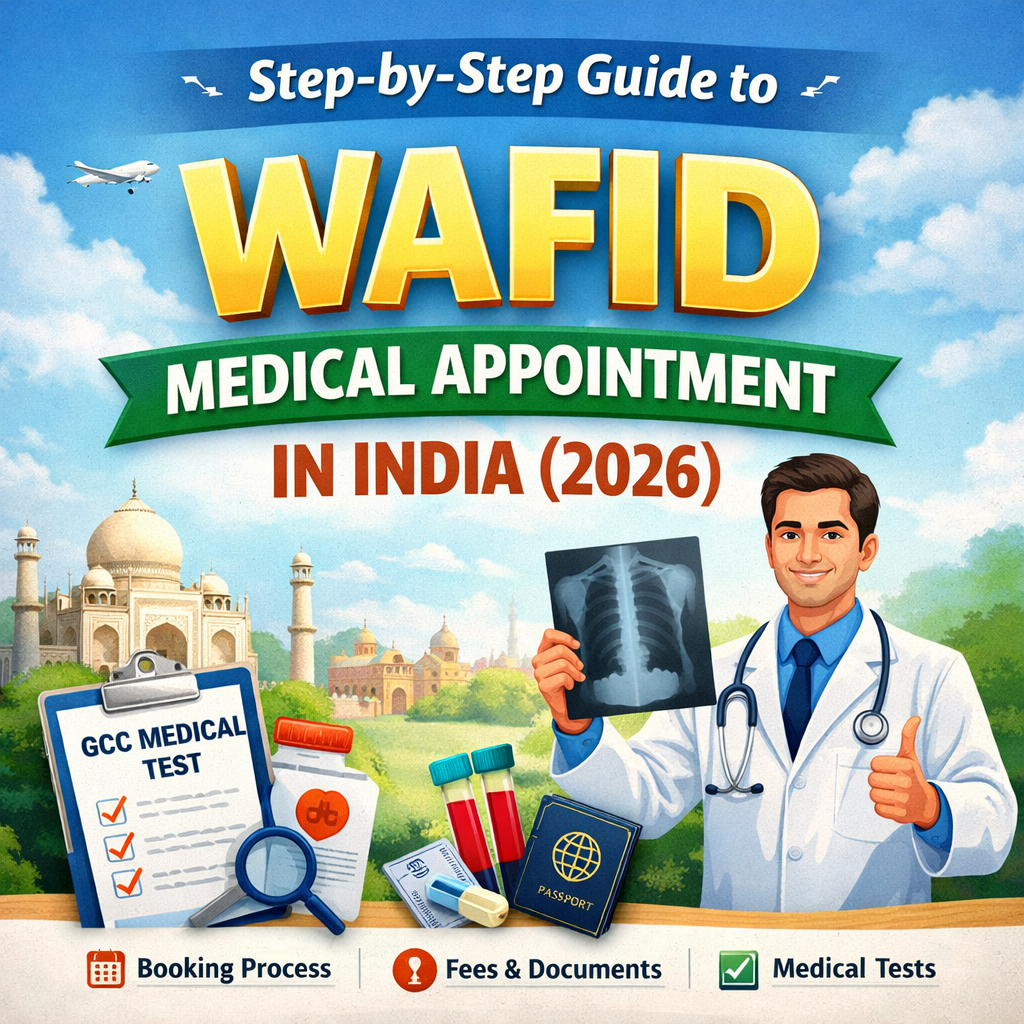
If you are planning to work in Gulf countries like Saudi Arabia, UAE, Kuwait, Oman, Qatar, or Bahrain, you must complete a WAFID medical test before applying for your visa. Earlier known as GAMCA, the WAFID system allows workers to book medical appointments online and undergo mandatory health screening at approved medical centers.
This guide explains the complete step-by-step process to book a WAFID medical appointment in India.
What is WAFID Medical?
WAFID (previously GAMCA) is a medical screening system for GCC countries. It ensures that expatriate workers are medically fit before entering Gulf countries.
The medical test checks for diseases such as:
-
Tuberculosis (TB)
-
HIV/AIDS
-
Hepatitis B & C
-
Syphilis
-
Other infectious diseases
Only WAFID-approved medical centers can conduct these tests.
Step 1: Visit the Official WAFID Website
First, go to the official WAFID appointment booking portal.
Here you can apply for your GCC medical examination and choose your preferred country and city.
Information required:
-
Passport number
-
Nationality
-
Destination country
-
Mobile number
-
Email address
Make sure all details match your passport.
Step 2: Fill the Online Application Form
After opening the booking page, you need to complete the online medical appointment form.
Required details include:
-
Full name (as per passport)
-
Date of birth
-
Passport number
-
Passport issue & expiry date
-
Destination country
-
Preferred medical center location
Double-check the information before proceeding.
Step 3: Select the Medical Center
Once you submit the form, the system will automatically assign a WAFID approved medical center near your city.
You cannot choose the center manually because the system randomly assigns it to avoid overcrowding.
Step 4: Pay the Appointment Fee
Next, pay the WAFID medical appointment fee online.
Payment methods usually include:
-
Debit Card
-
Credit Card
-
Net Banking
After successful payment, your appointment confirmation slip will be generated.
Step 5: Download the WAFID Appointment Slip
Download and print the medical appointment slip.
This document contains:
-
Your appointment number
-
Assigned medical center
-
Appointment date
-
Candidate details
You must carry this slip to the medical center.
Step 6: Visit the Assigned Medical Center
On the appointment date, visit the assigned WAFID medical center.
Documents required:
-
Original Passport
-
Passport size photos
-
Appointment slip
-
Payment receipt
Arrive early to avoid delays.
Step 7: Complete the Medical Examination
At the center, several medical tests will be conducted, including:
-
Blood test
-
Chest X-ray
-
Physical examination
-
Urine test
The process usually takes 2–4 hours.
Step 8: Check Medical Report Status
After the tests, your report will be uploaded to the WAFID system.
Possible results:
-
FIT – Eligible to travel to GCC countries
-
UNFIT – Not eligible due to medical issues
Results are usually available within 24–72 hours.
Important Tips for WAFID Medical Appointment
✔ Always book through the official WAFID portal
✔ Carry original passport to the medical center
✔ Reach the center early on appointment day
✔ Do not consume alcohol before the test
✔ Follow the instructions given by the medical staff
Conclusion
Booking a WAFID medical appointment in India is a simple online process. By following the correct steps—filling the application form, paying the fee, downloading the appointment slip, and completing the medical examination—you can easily complete the requirement for your GCC work visa.
Make sure to keep all documents ready and attend your appointment on time to avoid delays in your visa process.